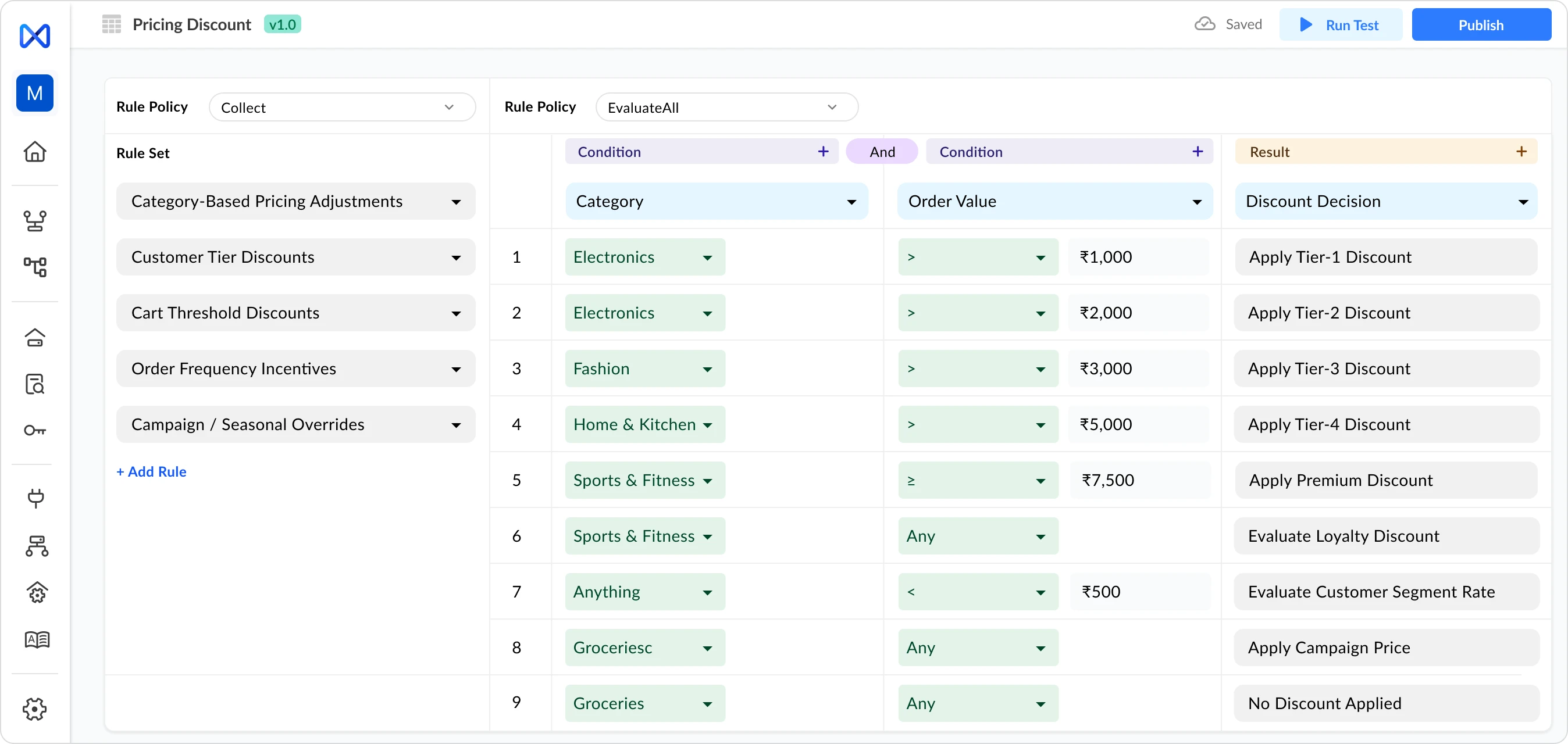
InRule is built for developers inside a .NET stack, business users get a review screen, not real ownership, and every non-trivial change still lands back on engineering. Nected puts full authoring and approval in the hands of the team that owns the decision, no .NET dependency required.
| Easy-to-use UI/UX | Value for money | Customer support | |
|---|---|---|---|
.svg%20fill.png) |
No-code rule editor | 60–70% lower TCO | 24/7 support + migration help |
 |
irAuthor Web (IT deployment still required) | $50K–$200K+ license, escalates at scale | Vendor support (paid tier) |
Before you renew, consider what the IT deployment overhead, .NET integration maintenance, and governance workarounds actually cost you
Total Cost of Ownership
≥$250,000
cumulative
≥$750,000
cumulative
.svg%20(1).webp)
≥$20,000
cumulative

≥$600,000
cumulative
Additional Fixed Cost
| Middleware & Databases | ≥$30K | ≥$60K | Included | ≥$100K |
|---|---|---|---|---|
| Implementation (one-time) | ≥$40K | ≥$80K | ≥$15K | ≥$300K |
| Training & Onboarding | ≥$20K | Included | Included | ≥$80K |
| Enterprise-grade features (custom dev) | ≥$30K | $0 (built-in) | $0 (built-in) | $0 (built-in) |
| Tech Debt | ≥$20K | ≥$30K | N/A | ≥$50K |
Recurring Annual Costs
| License + Support per year | ≥$50K/yr | ≥$120K/yr | ≥$20K/yr | ≥$500K/yr |
|---|---|---|---|---|
| Infrastructure at 100 TPS | ≥$30K/yr | ≥$40K/yr | ~$20K/yr | ≥$50K/yr |
| Upgrades per year | ≥$10K | Included | Included | ≥$50K (PS-driven) |
| Ops & Admin per year | ≥$40K/yr | ≥$80K/yr | Included | ≥$100K/yr |
| Change Mgmt & Deployments per year | ≥$50K/yr | ≥$80K/yr | Included | ≥$100K/yr |
InRule handles rule logic well — but it keeps IT in the production deployment path and requires external process controls for the governance capabilities compliance teams need. Nected ships both in one platform.

Kishore K.
Digital Marketing Manager, Mid-Market
"Nected helps us create baseline rules for our business that automate all the workflows we need. We're able to build day-to-day systems that every team follows — the whole process runs with far less friction now."
Verified G2 Review

Shruti S.
Operations Manager, Mid-Market
"The interface is simple and beginner-friendly. Technical and non-technical employees both use it — no one needs to know how to code. New joiners pick it up with minimal training."
Verified G2 Review
Rakshit P.
Team Manager, IT & Services
"Managing workflows used to take a lot of time. Since moving to Nected, we're significantly more efficient. Even new members understand the workflow quickly — the UI makes it obvious."
Verified G2 Review
Avtar S.
Developer, Small Business
"You can build complex logic — rules, decision tables, and rulesets — without writing code. For advanced scenarios, JavaScript can be embedded directly into the no-code environment. It's genuinely great for non-coders."
Verified G2 Review













.png)
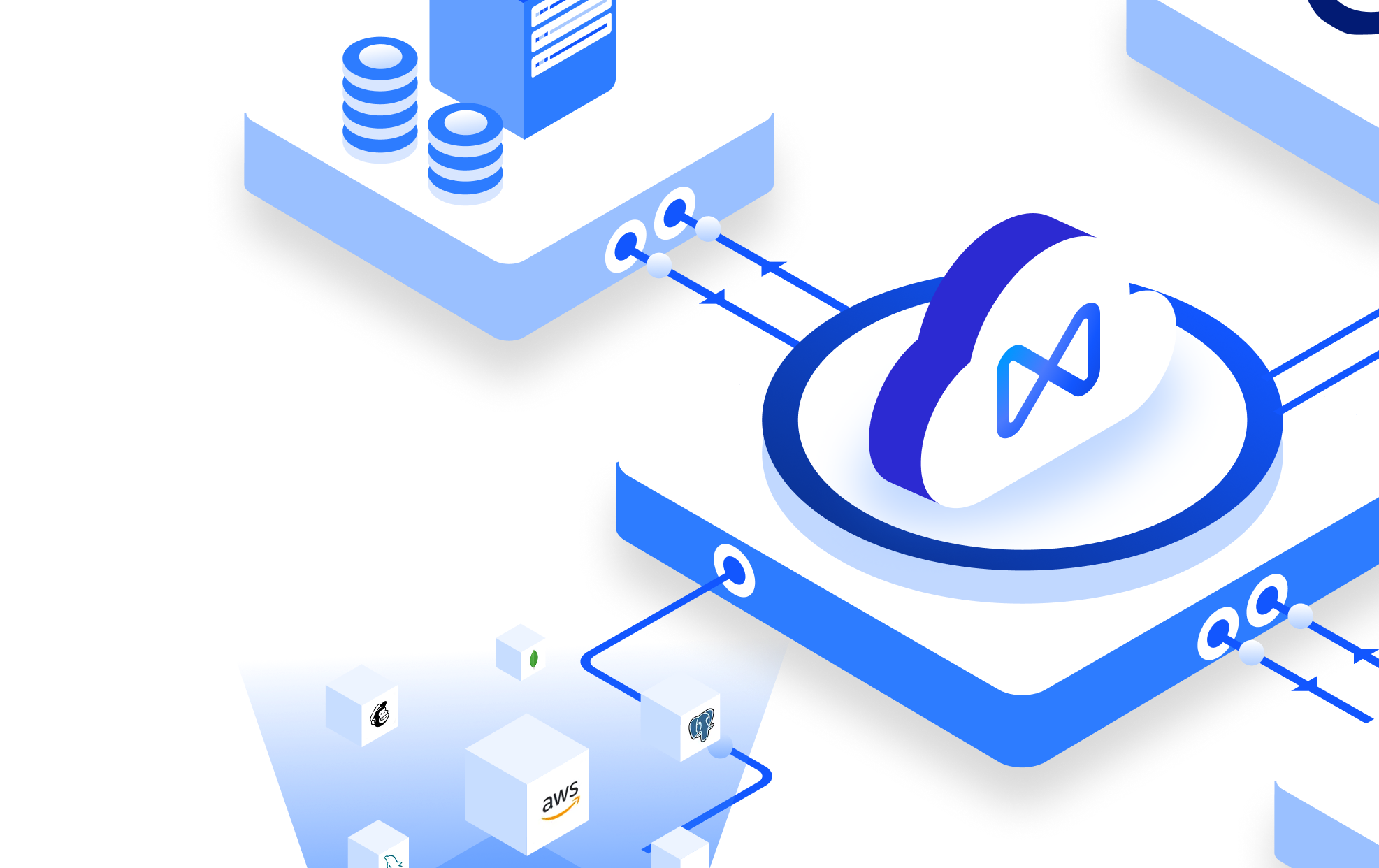
At Nected, we don't just offer another automation tool — we provide a frustration-free alternative to rigid, process-heavy decision platforms, built around how real teams actually work.

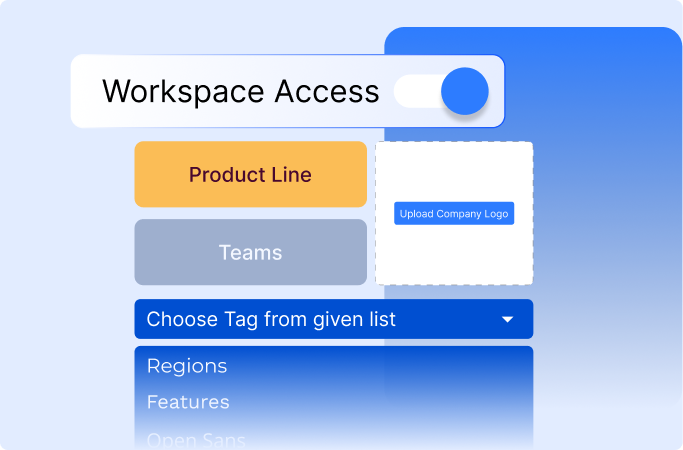
Cloud SaaS on AWS (US East default; EU on Growth+). Self-hosted on Enterprise — Docker, Kubernetes, on-prem on your VPC. Air-gapped deployments supported for regulated industries.
Yes — that's the point. Product, ops, and compliance teams build rules in our visual editor without code. Engineering owns integration once; non-engineers own rules forever.
Growth: 99.5%. Enterprise and Self-Hosted: 99.95%+ with custom SLAs.
All three, across every tier — not just Enterprise. Reports available under NDA.
All three, across every tier — not just Enterprise. Reports available under NDA.
Cloud SaaS on AWS (US East default; EU on Growth+). Self-hosted on Enterprise — Docker, Kubernetes, on-prem on your VPC. Air-gapped deployments supported for regulated industries.
Yes — that's the point. Product, ops, and compliance teams build rules in our visual editor without code. Engineering owns integration once; non-engineers own rules forever.
Growth: 99.5%. Enterprise and Self-Hosted: 99.95%+ with custom SLAs.
All three, across every tier — not just Enterprise. Reports available under NDA.
All three, across every tier — not just Enterprise. Reports available under NDA.
Cloud SaaS on AWS (US East default; EU on Growth+). Self-hosted on Enterprise — Docker, Kubernetes, on-prem on your VPC. Air-gapped deployments supported for regulated industries.
Yes — that's the point. Product, ops, and compliance teams build rules in our visual editor without code. Engineering owns integration once; non-engineers own rules forever.
Growth: 99.5%. Enterprise and Self-Hosted: 99.95%+ with custom SLAs.
All three, across every tier — not just Enterprise. Reports available under NDA.
All three, across every tier — not just Enterprise. Reports available under NDA.
Socioverse Tech Inc
16192 Coastal Highway
Lewes, DE
19958, USA
+1 408 547 2949
Socioverse Tech Pvt Ltd
Innov8, 3rd Floor, Orchid Center, Golf Course Road, Sector-53, Gurgaon, Haryana - 122017, India
+91 9220906041




%20(1).webp)
.webp)
.webp)
.webp)
.webp)
.svg)